
Check power status before the next job.
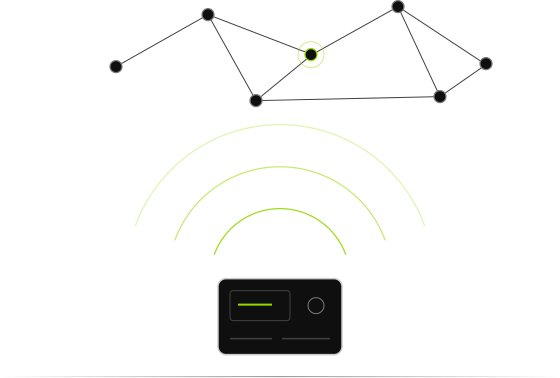
Connect a compatible ECO SLIM, ECO II or NEO 4000 by Bluetooth to see battery status, remaining time, charging details and alarm events. NEO 4000 also supports remote monitoring by 4G where available. Use the matching app and current manual for your unit when updating firmware.
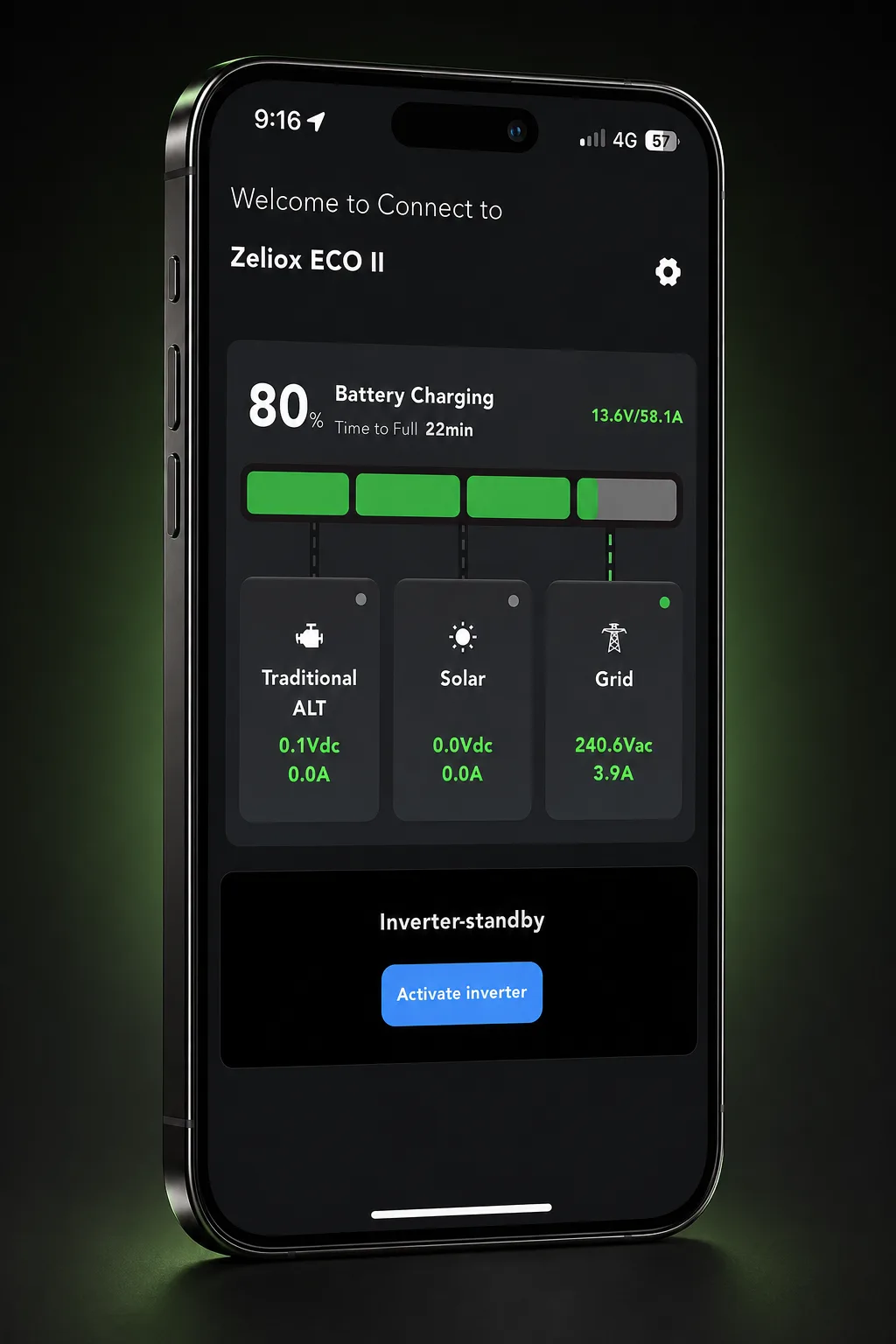

Check battery, charging and alarms.
The app shows real-time battery status, remaining battery time, charging details, current consumption, charge and discharge history, battery lifetime and alarm events.
| What you can check | Details in the app |
|---|---|
| Battery | Battery status, capacity and remaining battery time |
| Charging | Charging details and the live charge process from driving, grid or solar |
| Power use | Current consumption and charge and discharge history |
| System condition | Battery lifetime and alarm events |
| Updates | Newly developed features and the latest firmware |
Connect by Bluetooth
Turn on Bluetooth, then download the matching app using the direct links above. Keep the current manual for your installed unit on hand for installation and troubleshooting.
Keep your Zeliox current
The ECO and NEO manuals state that the app can add new features and the latest firmware. Check the current manual for your installed unit before updating.
Product Compatibility
Use the Zeliox ECO app with ECO SLIM and ECO II. Use the Zeliox NEO app with NEO 4000. Functions and connections vary by model and software version; check the current manual supplied with your unit.
| Function | ECO SLIM | ECO II | NEO 4000 |
|---|---|---|---|
| App | Zeliox ECO | Zeliox ECO | Zeliox NEO |
| Bluetooth connection | Yes | Yes | Yes |
| Status and monitoring | Battery, charging and power data | Battery, charging and power data | Battery, charging and power data |
| History and alarms | History and alarm events | History and alarm events | Logs and system alerts |
| Firmware updates | Via the matching app | Via the matching app | Via the matching app |
| Remote / 4G monitoring | Not stated in the current ECO manual | Not stated in the current ECO manual | Bluetooth and 4G remote monitoring |
Common Zeliox App questions
What does the Zeliox App show?
It shows real-time battery status, remaining battery time, charging details, current consumption, charge and discharge history, battery lifetime and alarm events.
How does the app connect to my Zeliox?
ECO SLIM and ECO II connect to the Zeliox ECO app by Bluetooth. NEO 4000 supports Bluetooth and, where available, 4G remote monitoring through the Zeliox NEO app. Check the current manual supplied with your unit.
Can I update my Zeliox through the app?
The ECO and NEO manuals state that the app can keep the system current with newly developed features and the latest firmware.
Where do I download the app?
The ECO and NEO 4000 manuals include app download QR codes and direct users to Google Play and the Apple App Store. Check the current app listing for device requirements and availability.
Will every Zeliox App screen have the same functions?
App functions and availability can vary by product and software version. Use the current manual for the unit installed in your vehicle as the compatibility reference.
Get help with the Zeliox App
Start with the current user manual for the installed unit. If you need help, tell us which Zeliox you have and the software version shown in the app.